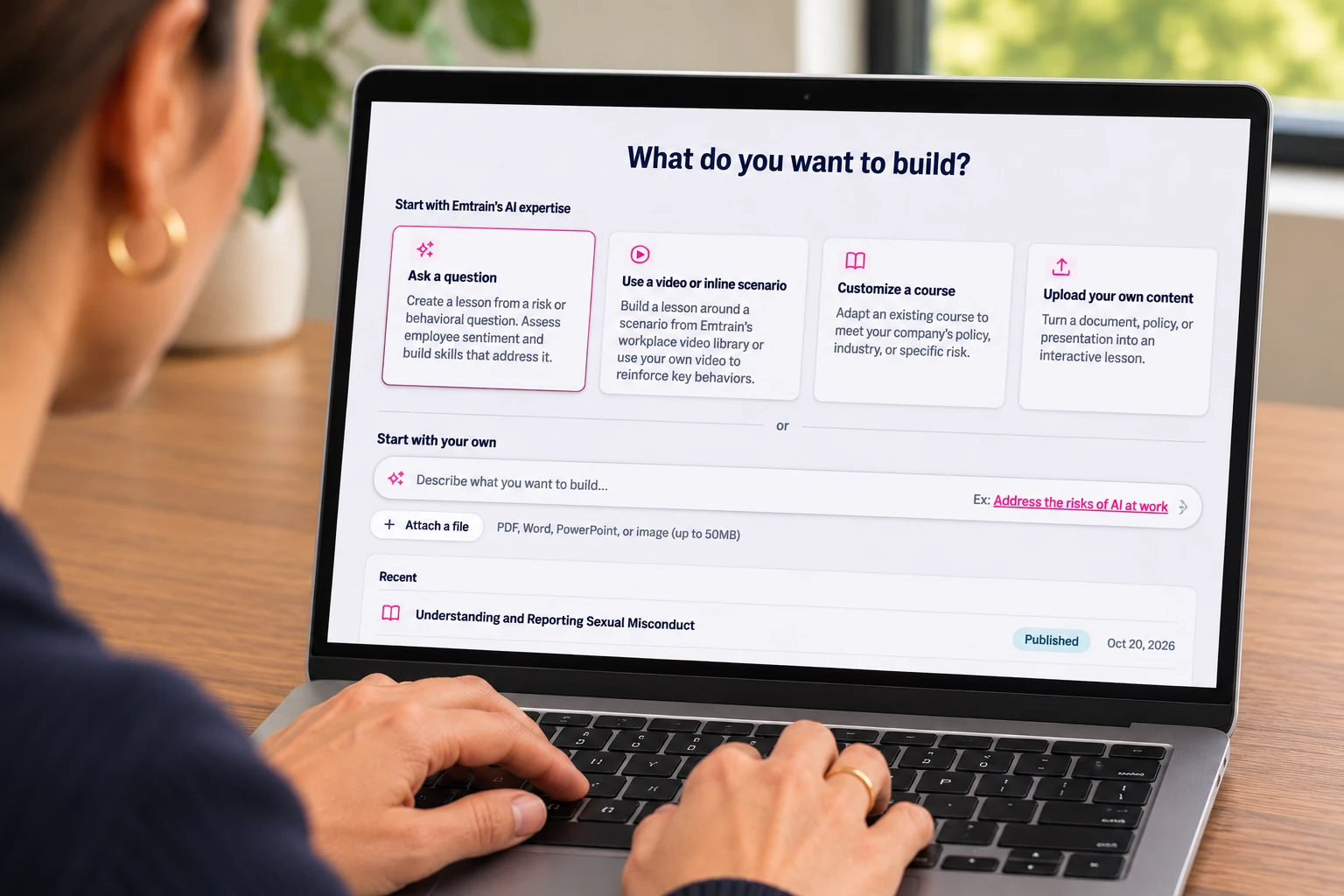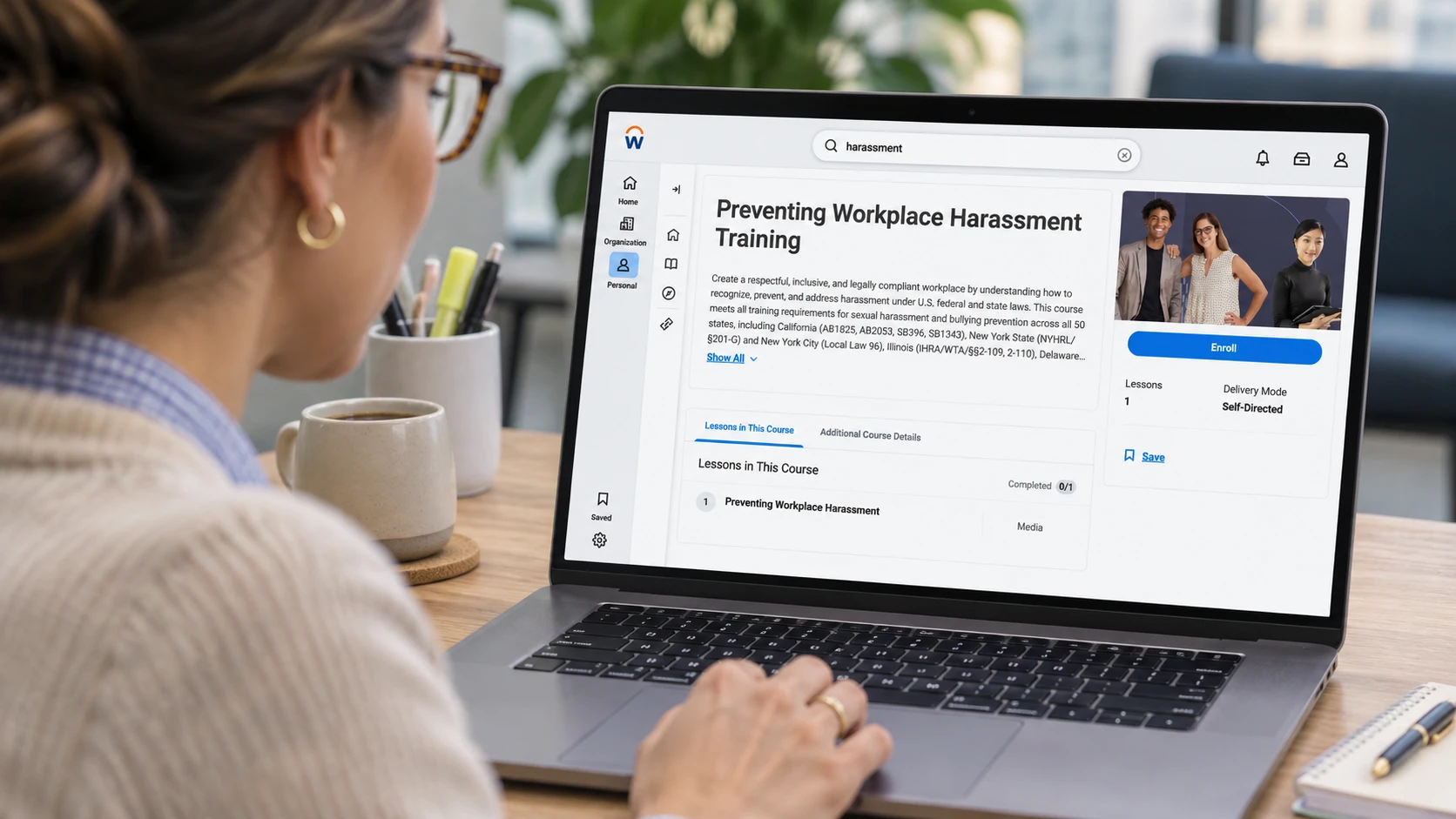
If your employees already go to one place to take required training, you can deliver Emtrain courses through that same learning management system (LMS). Emtrain supports SCORM and xAPI packages for compatible platforms, and Workday Learning offers a dedicated connection through Cloud Connect for Learning. You can also build a course around your own policies in AuthorAI and export it as a SCORM ZIP for your LMS.
You can also deliver training directly through Emtrain. With an Emtrain-hosted account, admins assign courses in Emtrain, employees sign in to launch their training, and admins track completions in Emtrain. This gives teams a way to roll out training without a separate LMS.
The setup depends on your platform and what you want to deliver. Here’s where to start, what to test before assigning a course, and how to get a custom lesson from AuthorAI into your LMS.
Which LMS platforms work with Emtrain?
The table shows where each vendor’s documented SCORM support overlaps with the formats Emtrain offers. SCORM 1.2 is the common starting point across all ten platforms. If your team uses SCORM 2004, check the edition before requesting a package. Emtrain integrations · Emtrain SCORM and xAPI basics
| Platform | SCORM formats to use with Emtrain | Admin guide |
|---|---|---|
| Workday Learning | 1.2 or 2004 3rd or 4th Edition for manual uploads. Cloud Connect syncs courses separately. | Workday packaged content FAQ · Emtrain Cloud Connect setup |
| Absorb LMS | 1.2. Absorb also documents SCORM 2004 support. Confirm the edition for your setup. | Absorb SCORM support |
| Cornerstone | 1.2 or 2004 3rd Edition, as documented for the Course Asset Connector. | Cornerstone Course Asset Connector |
| Degreed | 1.2 or 2004 3rd or 4th Edition through SCORM Cloud. | Degreed SCORM Cloud setup |
| Docebo | 1.2 or 2004 3rd Edition. | Upload SCORM in Docebo |
| LearnUpon | 1.2 or 2004 3rd or 4th Edition. | LearnUpon SCORM and xAPI guide |
| SAP SuccessFactors Learning | 1.2 or 2004 4th Edition. | SAP structured content guide |
| Seismic Learning (Lessonly) | 1.2 or 2004 3rd or 4th Edition. | Add a SCORM file to a Seismic lesson · Seismic SCORM formats |
| TalentLMS | 1.2. | TalentLMS SCORM setup |
| WorkRamp | 1.2 or 2004 3rd or 4th Edition. | Upload SCORM in WorkRamp |
Choose the format your Emtrain account is configured to use. Then run a test course in your LMS to verify launch, resume, and completion before assigning live training. Download an Emtrain test course
How do you add Emtrain training to your LMS?
Say you’re rolling out harassment prevention training. Your LMS admin can test the course experience before adding it to the same assignment process employees already use for required training.
- Confirm the package format. Emtrain supports SCORM 1.2, SCORM 2004 3rd Edition, SCORM 2004 4th Edition, and xAPI for compatible setups. SCORM 1.2 is Emtrain’s general recommendation because it’s widely supported. Your Emtrain Implementation Manager can help match the format to your LMS configuration. Required account configurations
- Import the Emtrain test course. Download the test package for your format, upload it to your LMS, and assign it to a test learner. SCORM and xAPI test course downloads
- Go through it as a learner. Launch the course, exit partway through, then reopen it to check how it resumes. Finish the course and confirm the completion appears where your admin expects to find it.
- Import and assign the live course. Repeat the launch and completion check with the actual course before assigning it to employees.
Rolling out multiple versions of Preventing Workplace Harassment? If you deliver Emtrain training through SCORM, you can work with Emtrain to set up a Smart Assign questionnaire and upload it to your LMS as a single SCORM package. When employees launch the assignment, they answer a few questions about where they work and whether they supervise others. Smart Assign uses their answers to route them to the applicable course version. This saves your LMS admin from creating a separate assignment for every location and role. Read the Smart Assign guide · Watch the Smart Assign walkthrough
How does Emtrain integrate with Workday Learning?
Workday Learning customers can use Cloud Connect for Learning (CCL) to sync selected Emtrain courses or upload individual SCORM packages. The difference shows up in how your admin adds courses and keeps their information current. Workday CCL Integration Guide
With Cloud Connect, your Workday admin and Emtrain’s Implementation team set up the connection. You’ll need a Workday Learning license with the CCL add-on and an Emtrain account with single sign-on (SSO) enabled. Once connected, your admin chooses which courses to sync. Those titles appear as external courses that you can assign or make available for self-enrollment. Emtrain updates metadata for synced titles automatically, and your admin selects new titles when they’re ready to add them. If you enable Workday Skills Cloud, synced courses can also include mapped skills to help learners discover relevant training. Workday CCL Admin Support Guide
Employees launch the course from Workday, sign in through SSO, and complete their training in Emtrain. Progress and completions are sent back to Workday via xAPI. With SCORM upload, the admin creates the course in Workday, uploads the ZIP, and manages the title, description, and other course details there. Emtrain + Workday · View Emtrain on Workday Marketplace
How do you build a custom course in AuthorAI and deliver it through your LMS?
Imagine your compliance team wants to teach employees what to do when they spot a potentially suspicious transaction. A custom anti-money laundering lesson can show the warning signs in a scenario your employees recognize, then teach them whom to contact and what information to provide under your company’s escalation process.
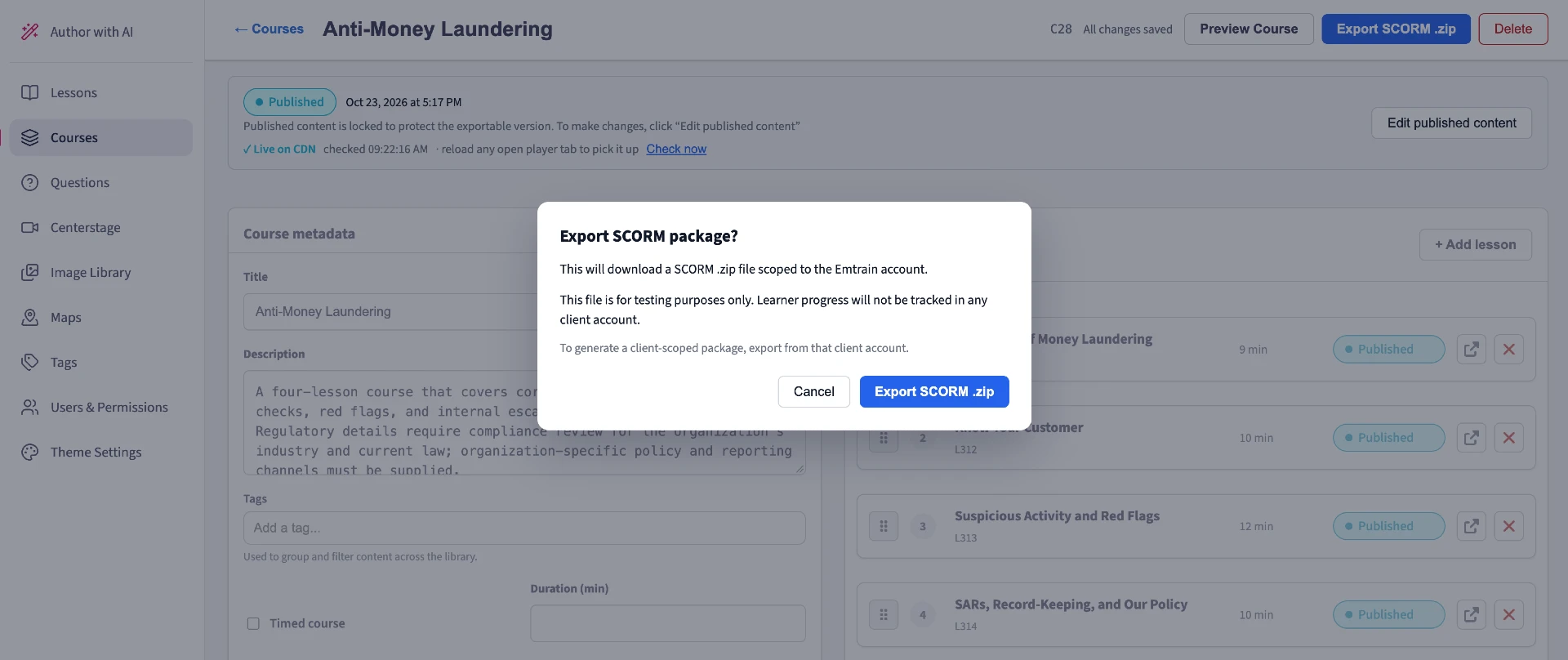
Start with a prompt that describes the audience, scenario, and action employees should take. Review the draft in AuthorAI, update the policy references and reporting instructions, and preview the lesson as an employee. When it’s ready, publish it and select Export SCORM .zip. The sample Anti-Money Laundering export is a SCORM 1.2 ZIP. That ZIP is what you hand to your LMS admin to import, assign to a test learner, and verify before rollout. For live training, export from the client account you want associated with learner progress. How to build custom online employee training with AI
What can HR and L&D see after employees take the training?
In a Workday CCL setup, admins can see learner progress and completions in Workday Learning. Learner usage and training data are available in the Reports area of Emtrain Manage, and HR can still use Emtrain Intelligence. For other LMS setups, check what learner data your platform passes to Emtrain and which reporting views are available for your account. Workday CCL Integration Guide · LMS data collection guide
Think back to the anti-money laundering lesson. Completion records tell your team who finished it. A question in the lesson about whether employees know where to raise a concern can help you decide what to reinforce next. If responses suggest employees recognize the warning signs but are unsure where to report them, your follow-up can focus on the escalation process. See how Emtrain Measures Workplace Culture in our guide.
Tell us which LMS you use and what training you want to deliver. We’ll help you find the right setup for Emtrain courses and the training you build in AuthorAI. Talk to Emtrain
Frequently asked questions
Can I use Emtrain if my LMS isn’t on this list?
Check which SCORM or xAPI formats your LMS supports, then ask Emtrain which package to use with your account. Run the matching test course to verify launch and completion in your own setup. SCORM and xAPI basics
Which SCORM version should I use?
Start with SCORM 1.2 if your LMS supports it. If your LMS is configured for SCORM 2004, confirm whether to use the 3rd or 4th edition with your Emtrain Implementation Manager. Required account configurations
What happens when I update a course after rollout?
Workday CCL updates metadata for titles you’ve already synced. For an AuthorAI course you’ve delivered by SCORM upload, check how your LMS handles replacing a package or creating a new course version. Test what happens to an in-progress learner and an existing completion record before updating an active assignment. Workday CCL Integration Guide