You send an email with a customer file with personal information attached. A second later, you realize autocomplete picked the wrong person.
You know the file shouldn’t have gone to that recipient. But what do you do now? Can you recall the email? Who needs to know? And how comfortable would you feel telling someone you made the mistake?
That’s a training opportunity. It’s also a chance to learn something about your workplace. Employees might know they’re supposed to report an incident but be unsure where to go. Or they might know exactly who to tell and still worry about what will happen if they speak up. Those are two different problems, and they call for different follow-up.
Ask a general-purpose AI tool to “create a data privacy lesson,” and you’ll get a starting draft. You’ll still need to supply the training context, find a realistic scenario, and decide what to ask employees. AuthorAI can draw on Emtrain’s compliance training content, workplace videos, and research-backed question bank. That gives you a head start on a lesson that teaches employees how to respond to a data incident and helps you learn whether they’d feel comfortable reporting one.
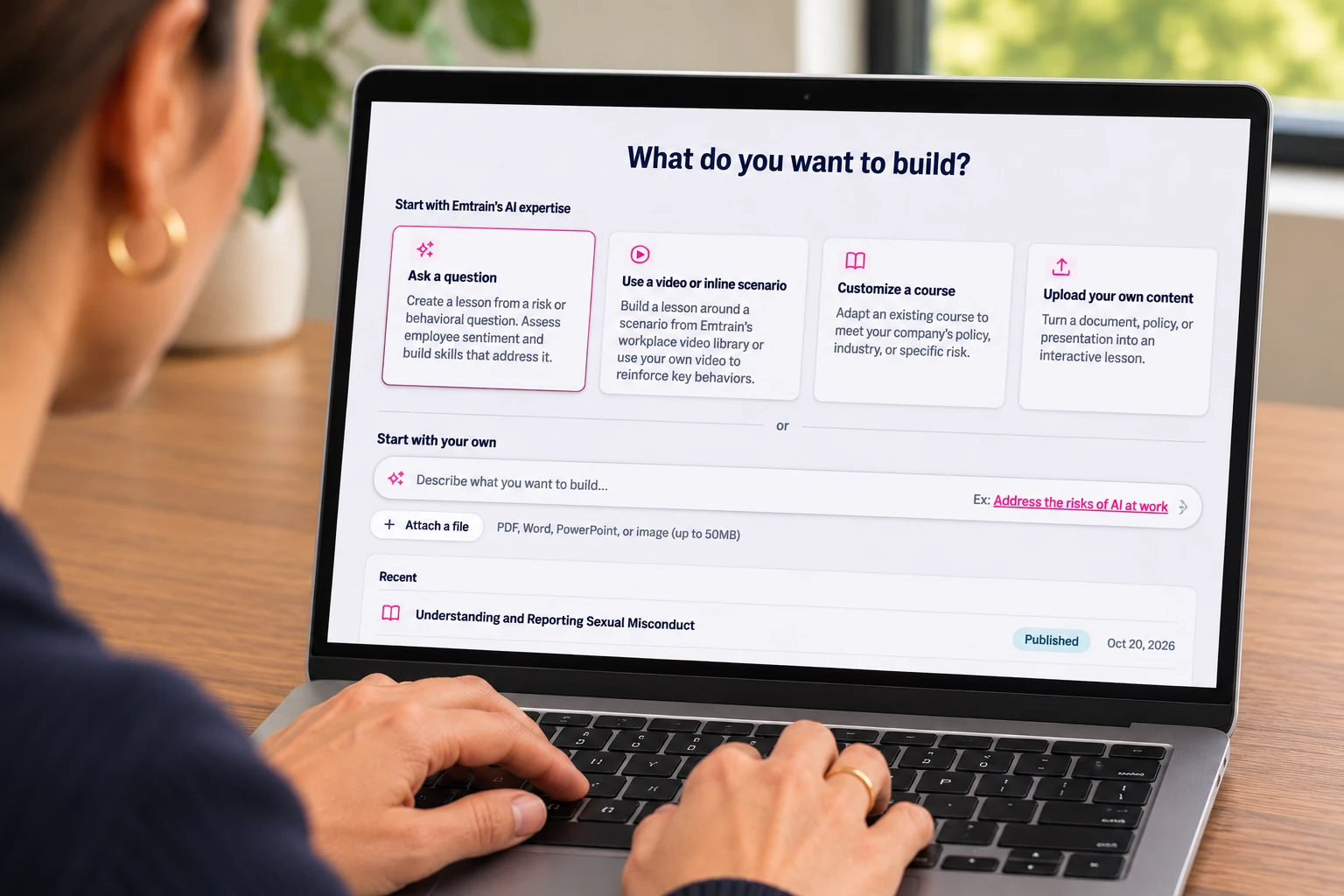
With Emtrain’s AuthorAI, you can start with a prompt and build a short online lesson around a question that helps you understand a risk. Here’s how that works, from choosing a question about data privacy to previewing and exporting a lesson for your learning management system (LMS).
1. Start with what you want to learn about your workplace
“Create a data privacy lesson” gives AI a topic. But it could take that lesson in a dozen directions. Are you trying to help employees spot an unsafe file-sharing practice? Do you want them to know where to report an incident? Are you trying to understand whether they’d trust leadership to take a concern seriously?
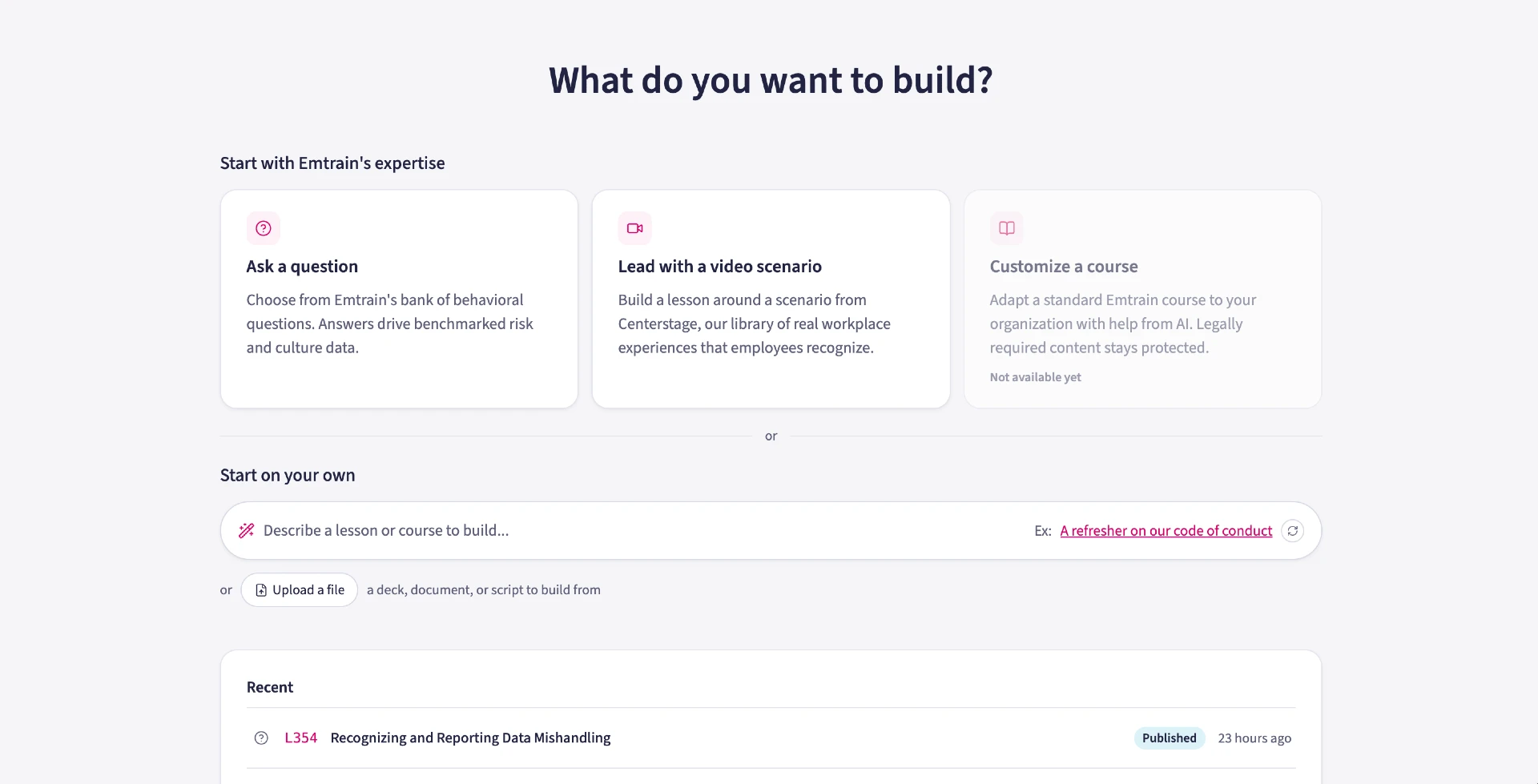
Start with the behavior or experience you want to understand. In AuthorAI, you can begin with a prompt like this:
Help me create a 10-minute lesson for all employees about mishandling customer or partner information. Start with a risk question that asks whether employees have seen it happen. Use a realistic workplace scenario and help employees understand when to seek guidance and how to report a suspected incident.
You can also start with a video, bring in an existing deck or policy document, or build from scratch. Starting with a question gives the lesson a specific purpose. You know what you want employees to think about, and you know what you want to learn from their answers.
2. Pick a question and decide what else you need to know
AuthorAI asks what you want the question to measure. Emtrain’s question bank includes more than 400 questions developed by behavioral scientists. Culture Skills questions help you understand everyday workplace norms. Leadership Skills questions ask how managers lead in practice. Risk Areas questions help you surface concerns related to HR and people risk or business compliance.
For this lesson, choose Risk Areas, then Business Compliance, then Data Privacy & Information Security. The question we’ll build around is:

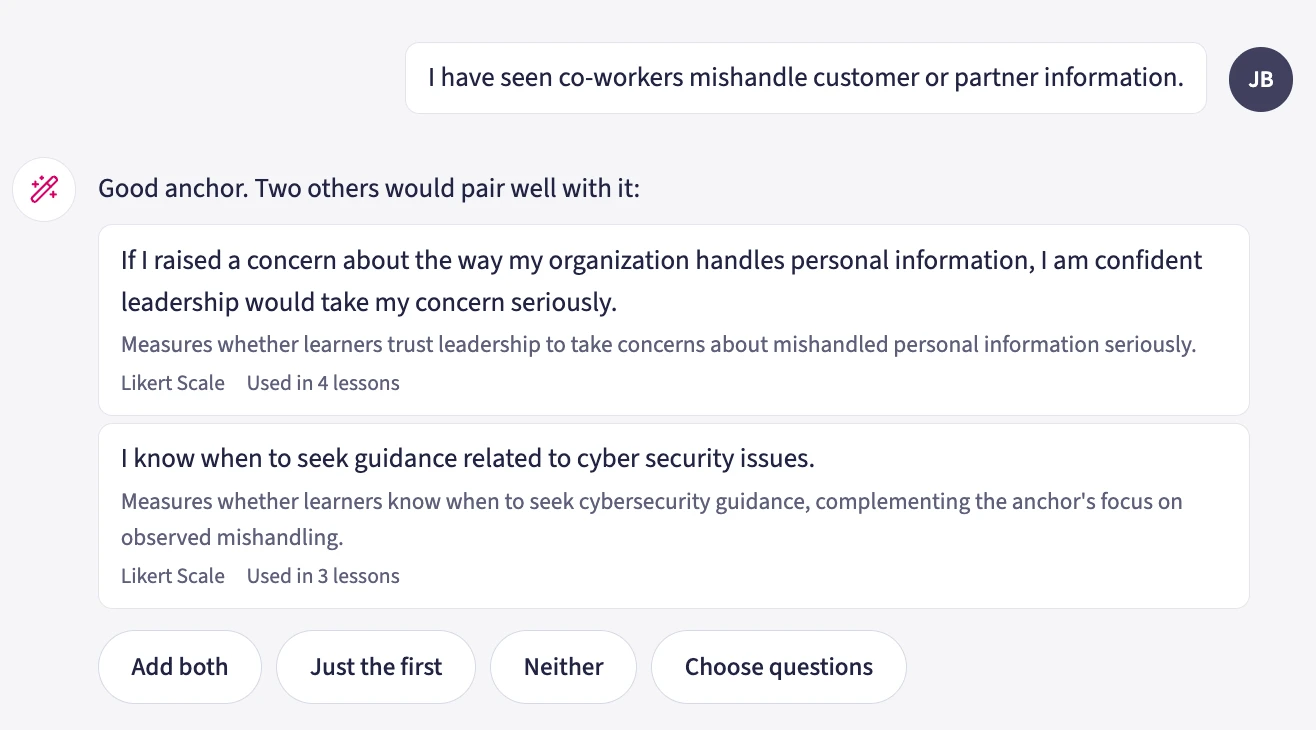
I have seen co-workers mishandle customer or partner information.
This is an employee sentiment question. A knowledge check can ask employees to identify the right response after a file goes to the wrong person. A sentiment question asks what they’ve seen or experienced at work. Both can belong in the same lesson, and each tells you something different.
AuthorAI suggests two companion questions:
If I raised a concern about the way my organization handles personal information, I am confident leadership would take my concern seriously.
I know when to seek guidance related to cyber security issues.
Together, the three questions tell you whether employees have seen information mishandled, whether they know when to ask for help, and whether they trust leadership to take a concern seriously. If employees know when to seek guidance but doubt their concerns will be taken seriously, another reminder about where to report may only get you so far. You may need to look at what happens after someone raises a concern.
3. Pair the questions with a workplace video
Ask someone about “mishandling information” and they might picture a stolen laptop or a major breach. A short video can bring the question back to something employees recognize from their own workday.
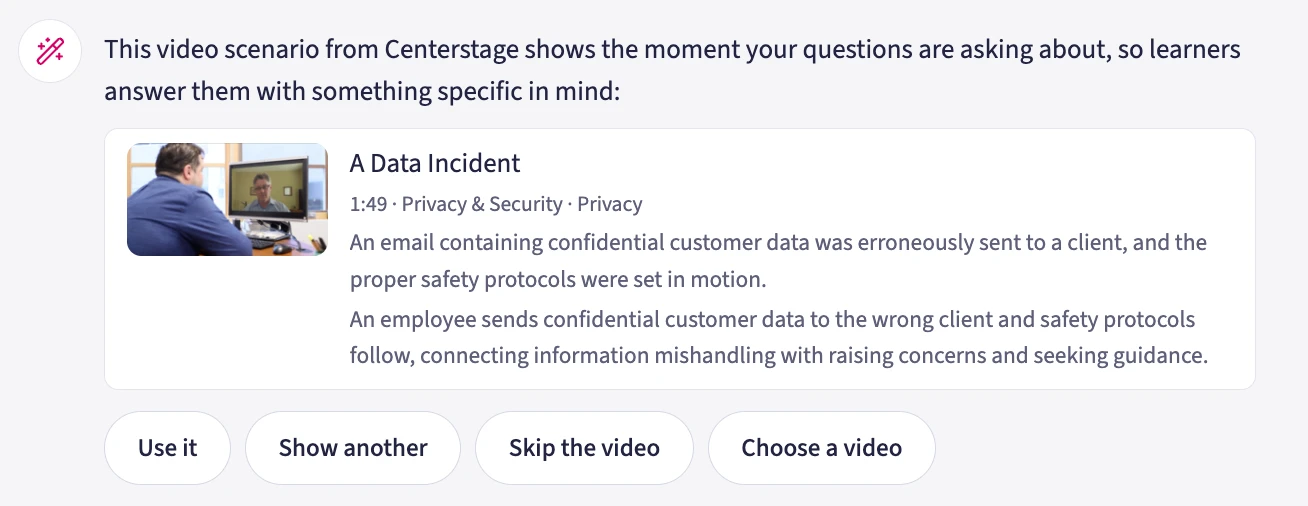
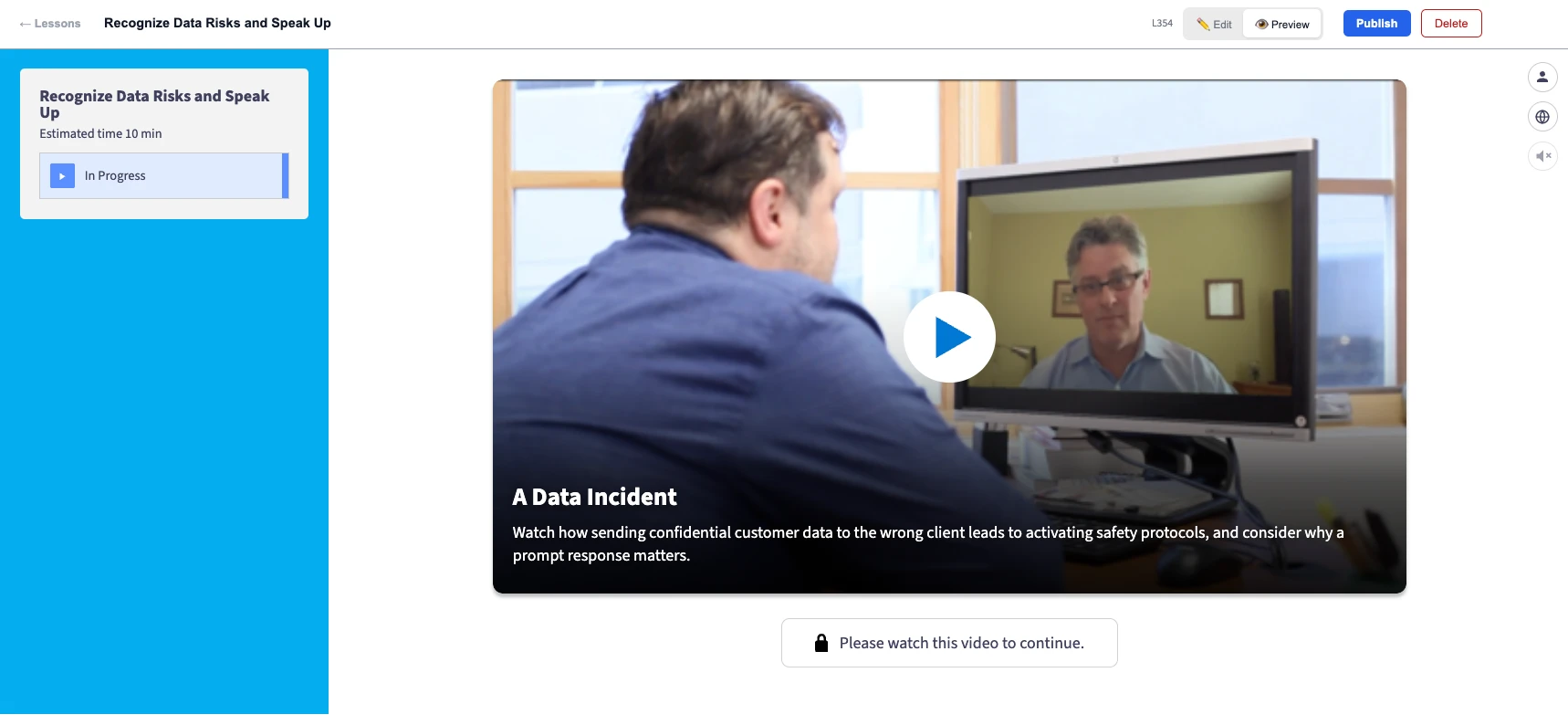
For this example, AuthorAI recommends A Data Incident from Emtrain’s CenterStage Library. In the scene, an email containing confidential customer data goes to the wrong client, and the organization puts its response procedures into motion. You can use the recommended video, ask for another, or choose your own.
The video gives employees a moment to react to. Think about what happens just after hitting Send. Someone might hesitate because they’re embarrassed. They might be tempted to fix the problem on their own. That’s the point in the lesson where you can ask employees what they’ve seen at work and show them what to do if it happens to them.
4. Review the outline before AuthorAI builds the lesson
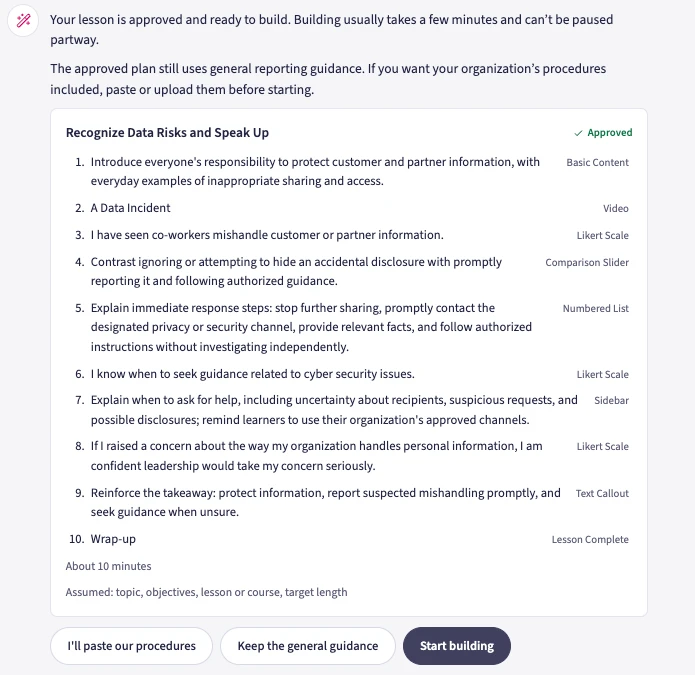
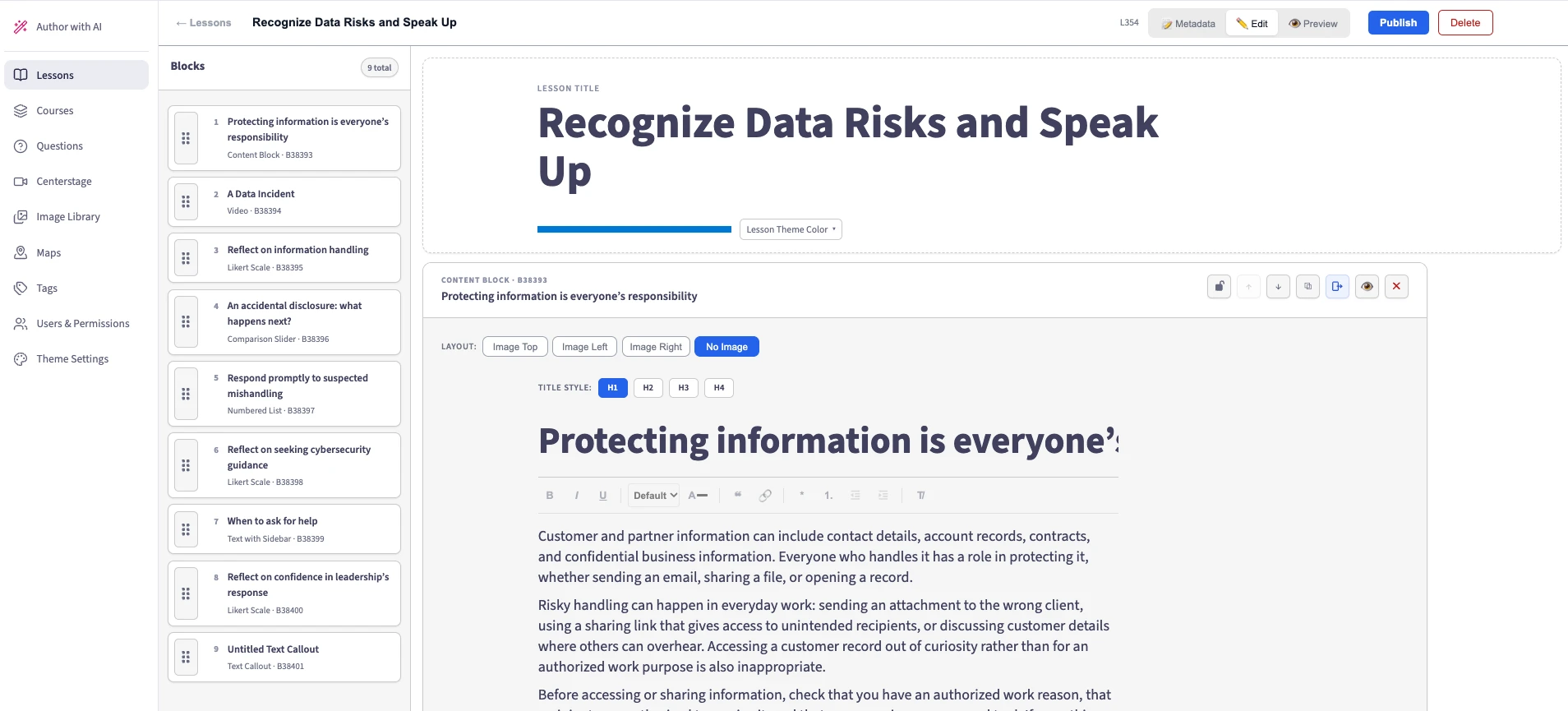
Once you’ve picked the questions and the video, AuthorAI asks who the training is for. For this example, we chose everyone. The resulting outline, Recognize Data Risks and Speak Up, takes about 10 minutes and assumes employees are new to the topic.
It opens with everyday examples of how information can be mishandled, then shows the video and asks whether employees have seen something similar. From there, the lesson contrasts trying to handle the mistake alone with raising it promptly through the appropriate channel. The other two questions appear alongside guidance on when to ask for help and what to do when you suspect information has been shared inappropriately.
Read the outline as if you’re an employee who just sent that email. Would you know what to do next? If the outline says “contact the designated reporting channel,” give AuthorAI the actual procedure your employees should follow. You can paste or upload it and ask the tool to work it into the lesson before you approve the build.
AuthorAI draws on Emtrain’s attorney-vetted compliance library. Your internal procedure supplies the details employees need at your organization, including whom to contact and where to find the reporting process.
5. Build, edit, and preview the lesson
Once the outline looks right, tell AuthorAI to start building. When the draft is ready, open it in the editor. This is where you can make the examples sound like situations your employees actually encounter and check that any policy references or reporting instructions match your current process.
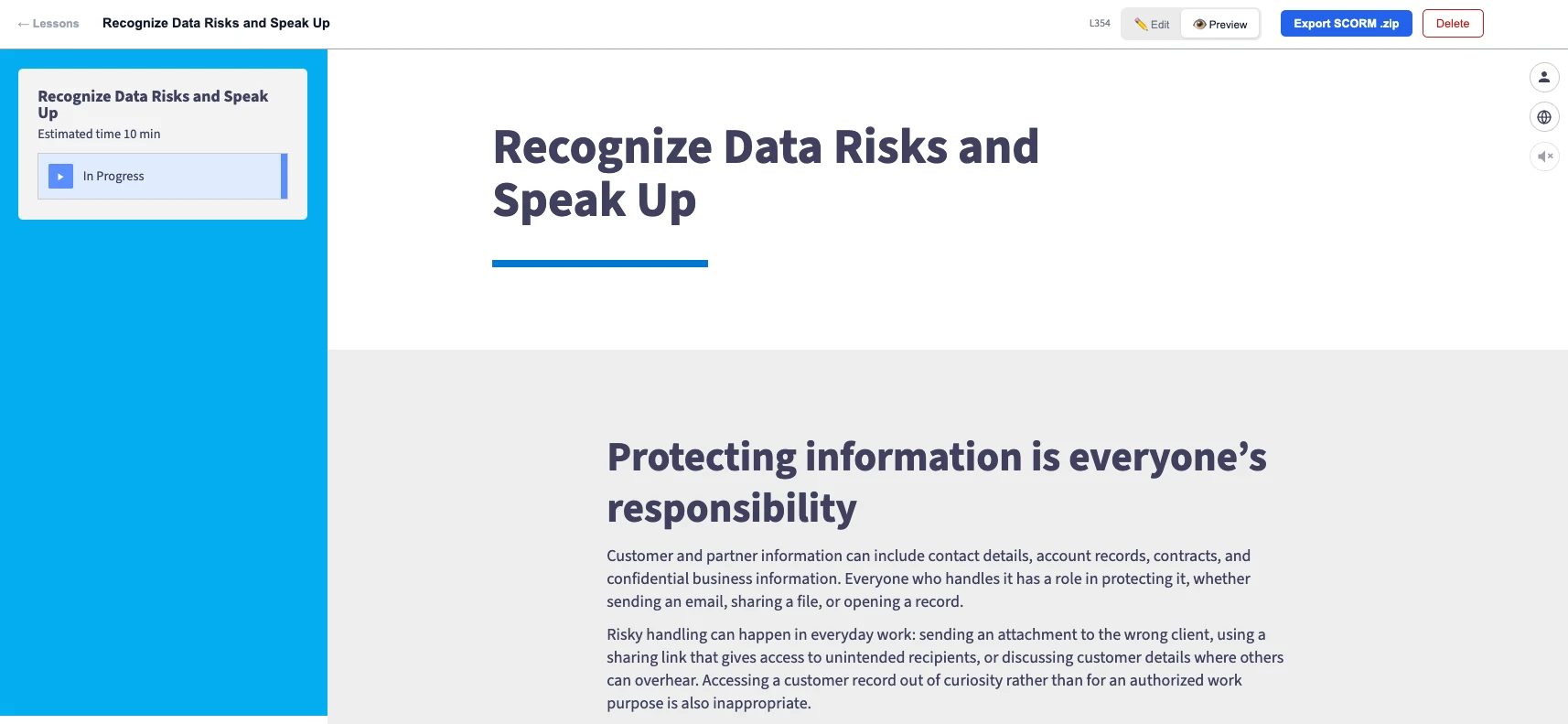
Preview the lesson from the learner’s perspective. Does the video set up the first question? Is it clear when you’re asking employees to reflect on their experience and when you’re checking what they learned? If someone remembered only one thing from the lesson, would they know what to do the next time they spot a possible data incident?
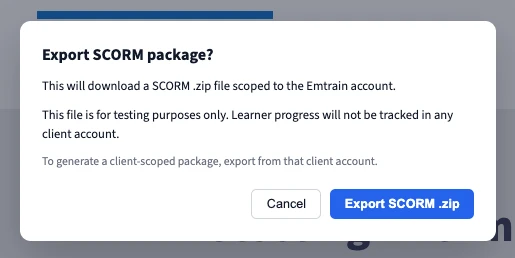
When you’re ready, publish the lesson and export it as a SCORM package. Upload it to your LMS and run through it as a learner before assigning it. For a live rollout, export from the client account you want associated with learner progress. The SCORM package from the Emtrain demo account is for testing.
Use what employees tell you to plan the next lesson
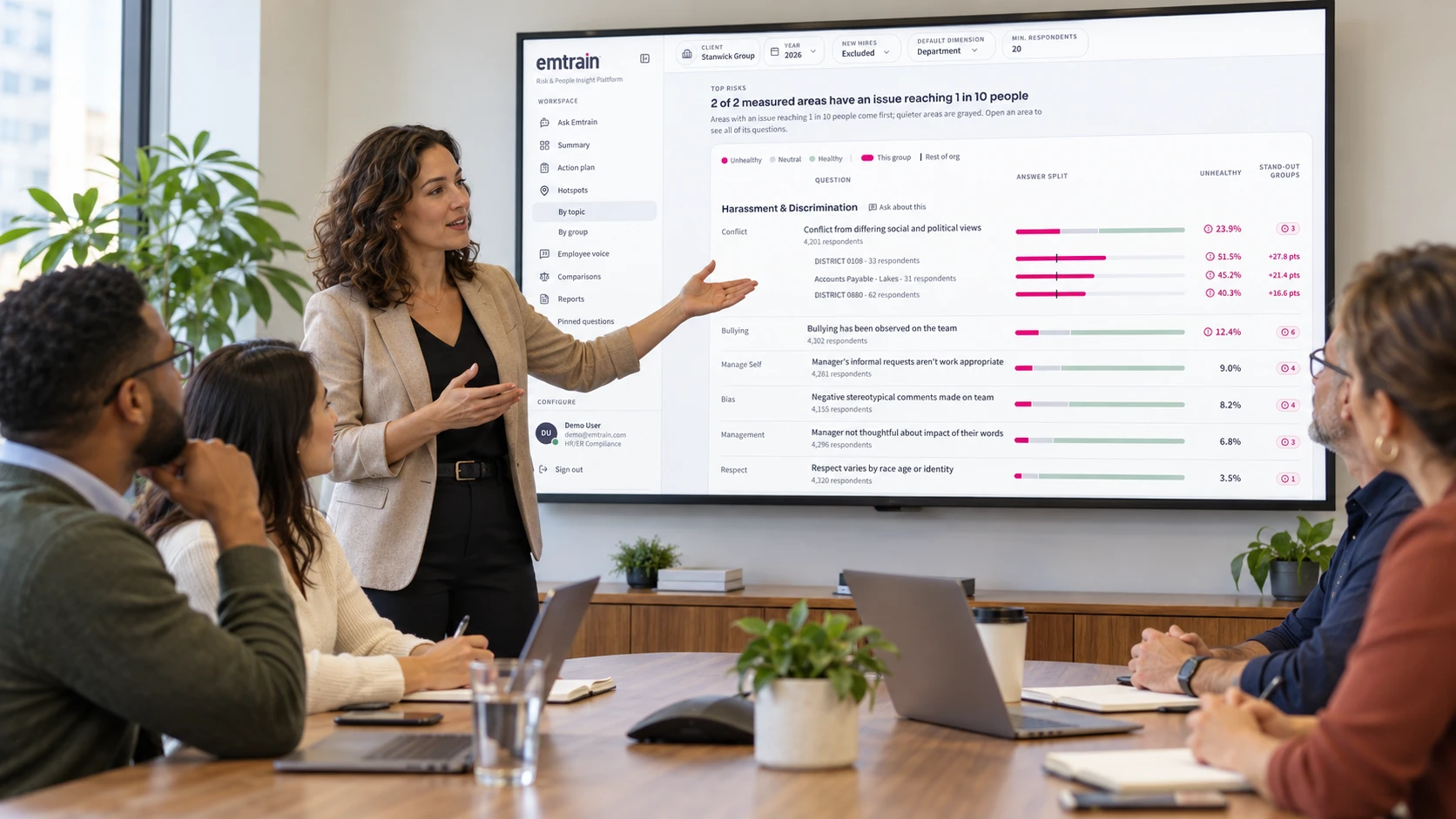
Once employees have taken the lesson, use Emtrain Intelligence to look at their responses together and see whether the same concerns show up across teams. If employees say they’ve seen information mishandled and aren’t sure when to seek help, a short follow-up lesson can reinforce when and where to report. If they know when to ask for help but doubt leadership will listen, that’s a cue to coach managers on how they respond when someone raises a concern.
After the follow-up, ask the same questions again to see whether employees feel clearer about what to do and more confident that someone will listen. For a closer look at how Emtrain turns employee responses into insights leaders can act on, read How Does Emtrain Measure Workplace Culture?
Have a question you’d like to ask your own employees? Book an AuthorAI demo to see how someone from the Emtrain team can help you turn that question into a lesson.